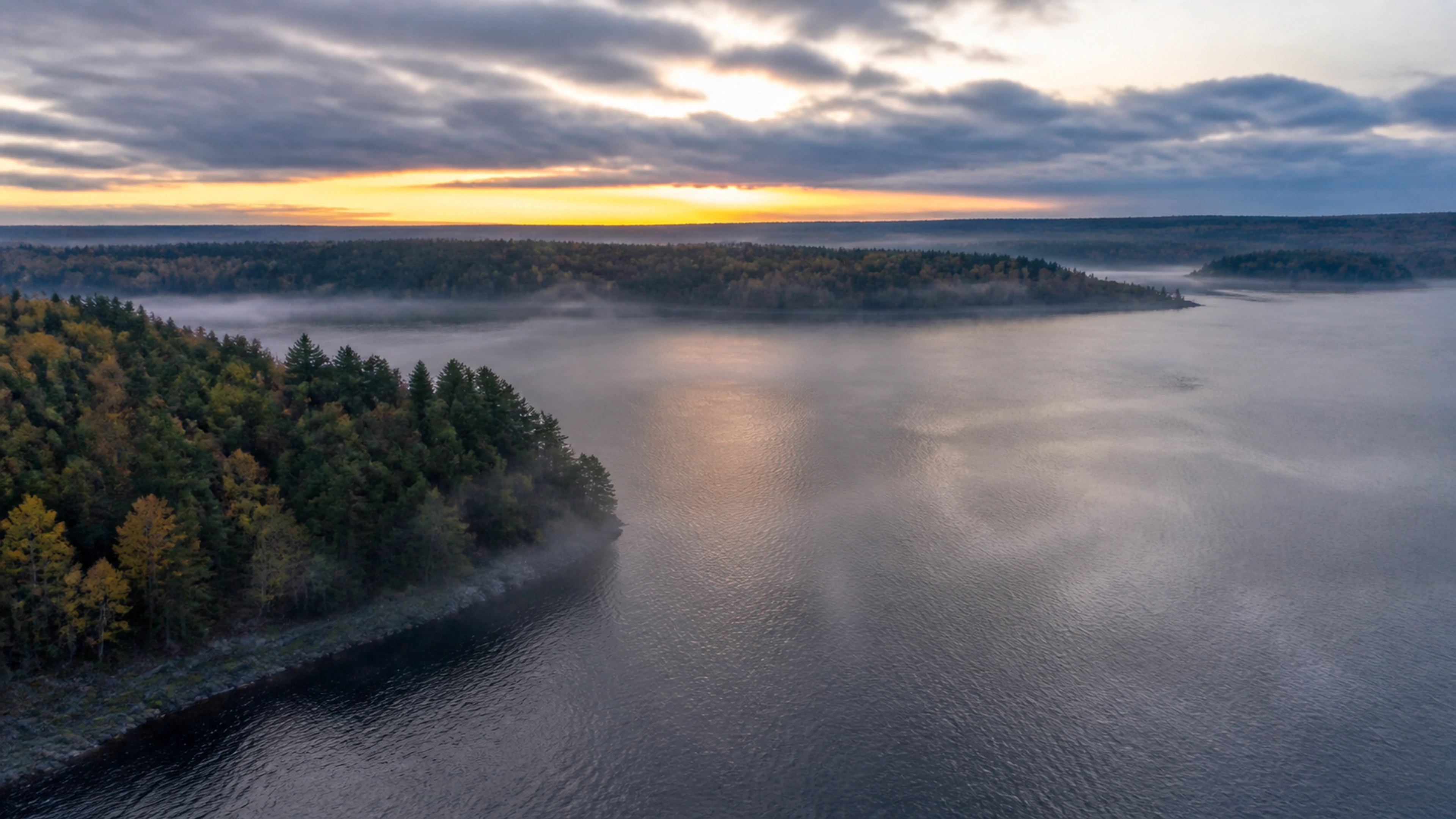
Small Bridges Worlds
Every story
needs a world.
A place. A palette. A feeling.
Find the setting your story belongs in.
The location department
Find a place.
Make it yours.
Cinematic scenes and reusable
references, in one library.
Current UI · Example workspace
The Bridgeway
Nine realms.
Endless beginnings.
Explore the atlas, discover a realm’s atmosphere and follow a story seed into your next film.
Explore the atlas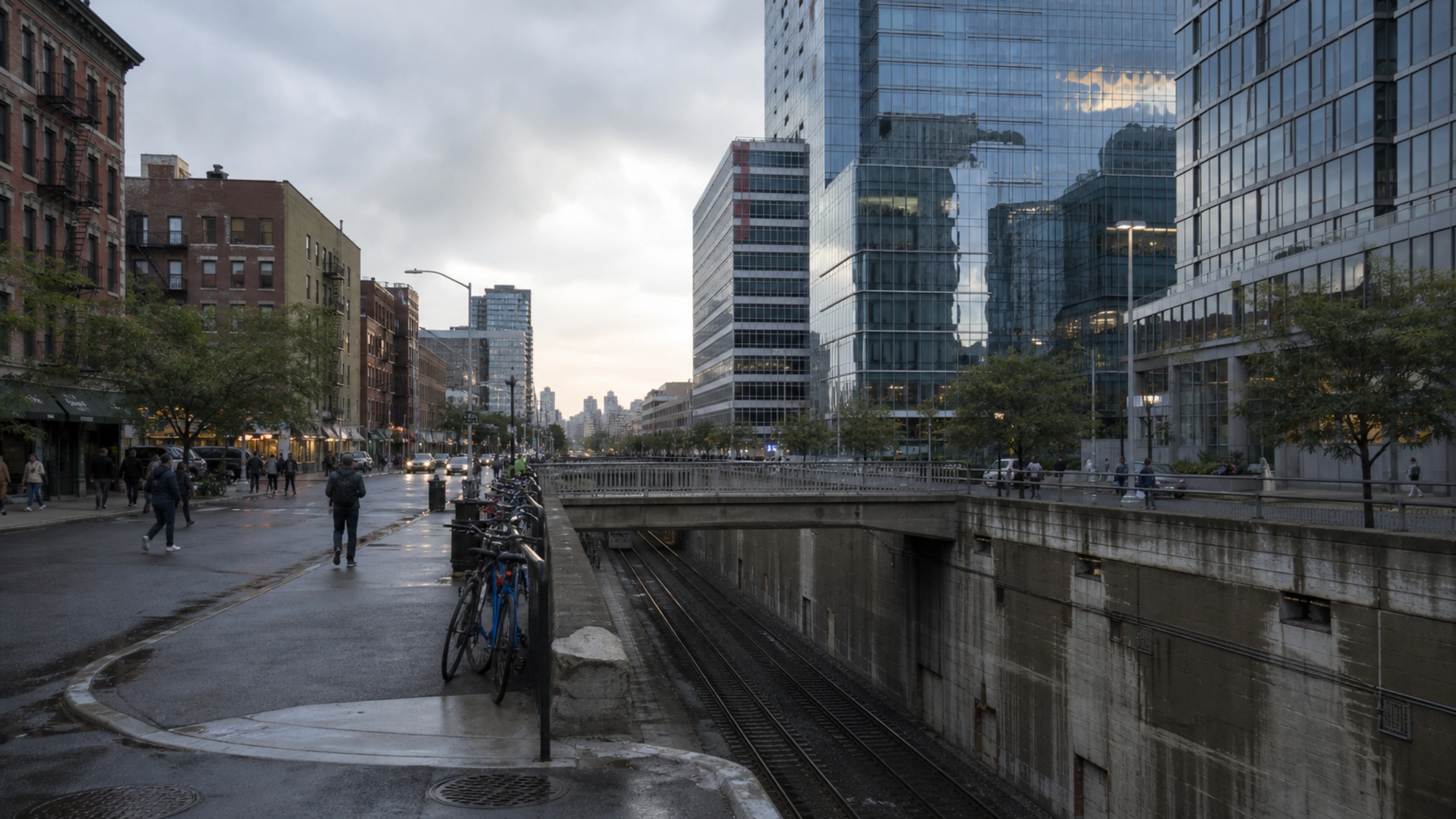
01
Set the atmosphere.
Choose lighting, palette, camera and sound direction around the story you want to tell.
02
Keep your world together.
Build a reference library of cast, locations and styles for your project.
03
Step further inside.
Where an eligible 3D world is available, open it in the browser and explore the space.
3D worlds depend on availability and access. A scene in the library does not automatically include a walkable world.
Now put someone in it
The setting is only
the beginning.
Your Director helps turn the place into a story.
Start a film here