Find the film.
Develop the screenplay, shot list, cast references and art direction with Bridges Agent and the specialist crew.
Meet your Agent ↗Your next film starts here
Small Bridges · The imagination has a homeSmall Bridges · The imagination has a home
The first app film. Then, a little magic.
Film unavailable. You can still choose the next feature.
Through the Arch · Original Studio score
The casting roomThe casting room
Choose a cast reference, establish a role and develop a character’s world. Bring your own reference images to eligible productions, too.
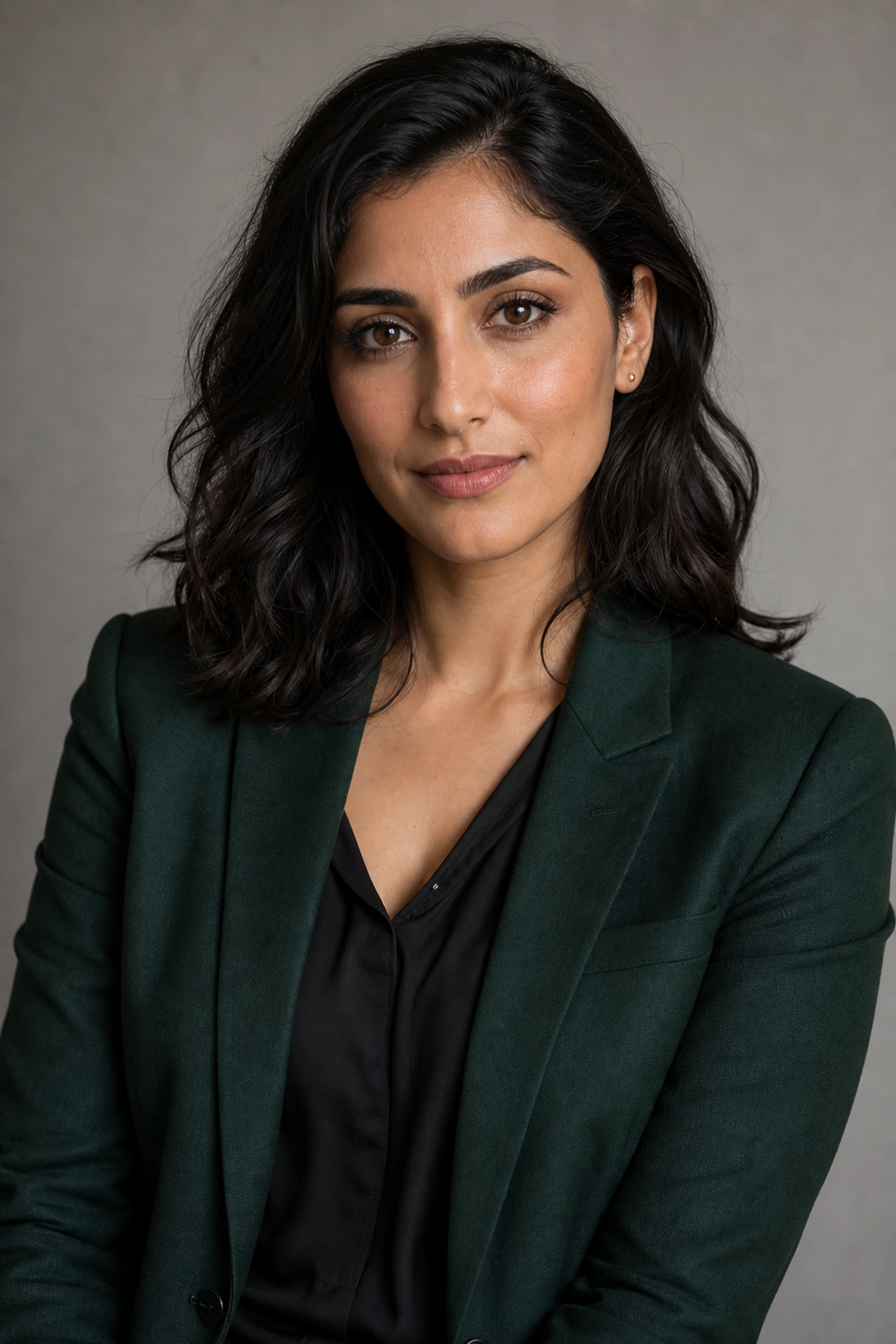
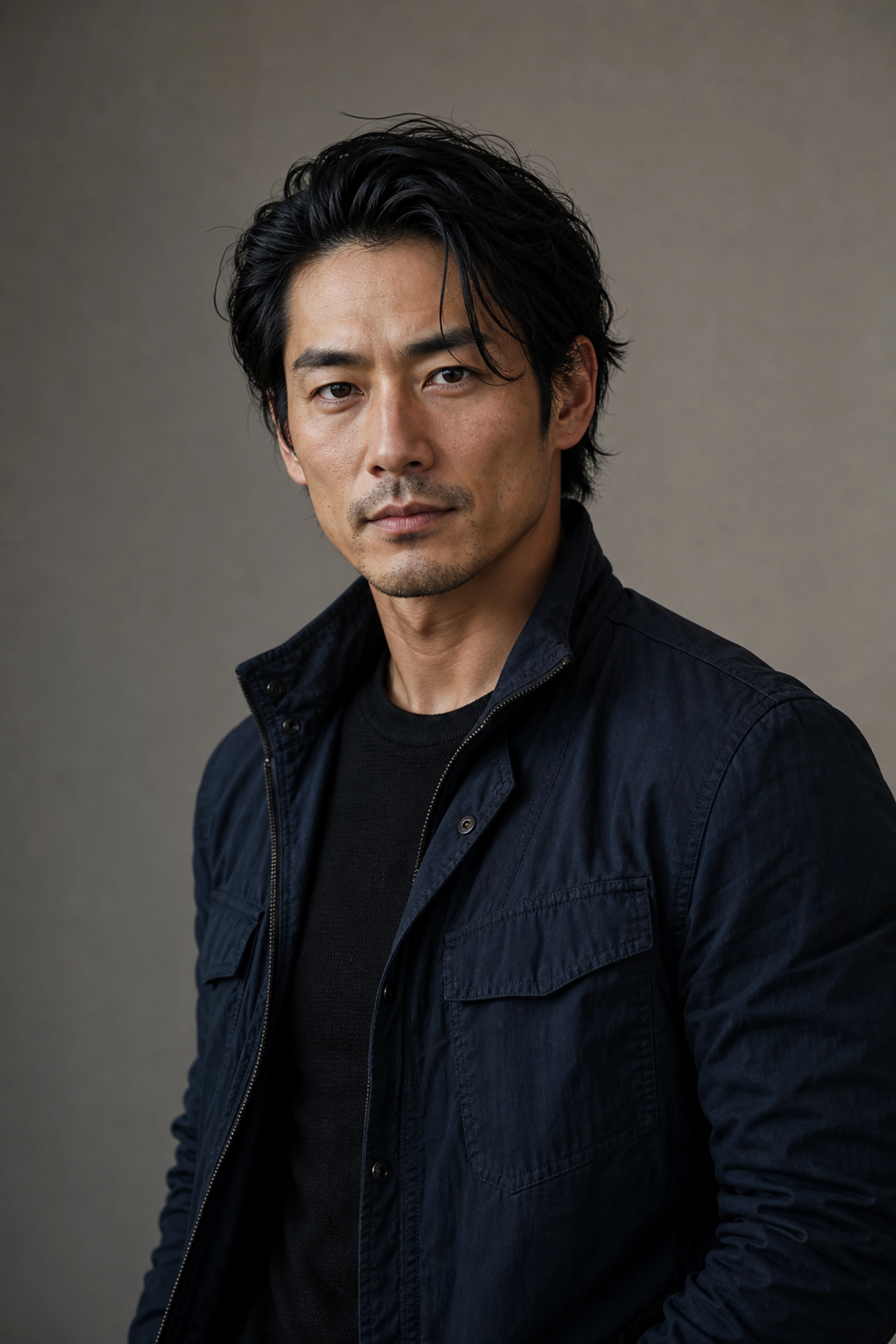
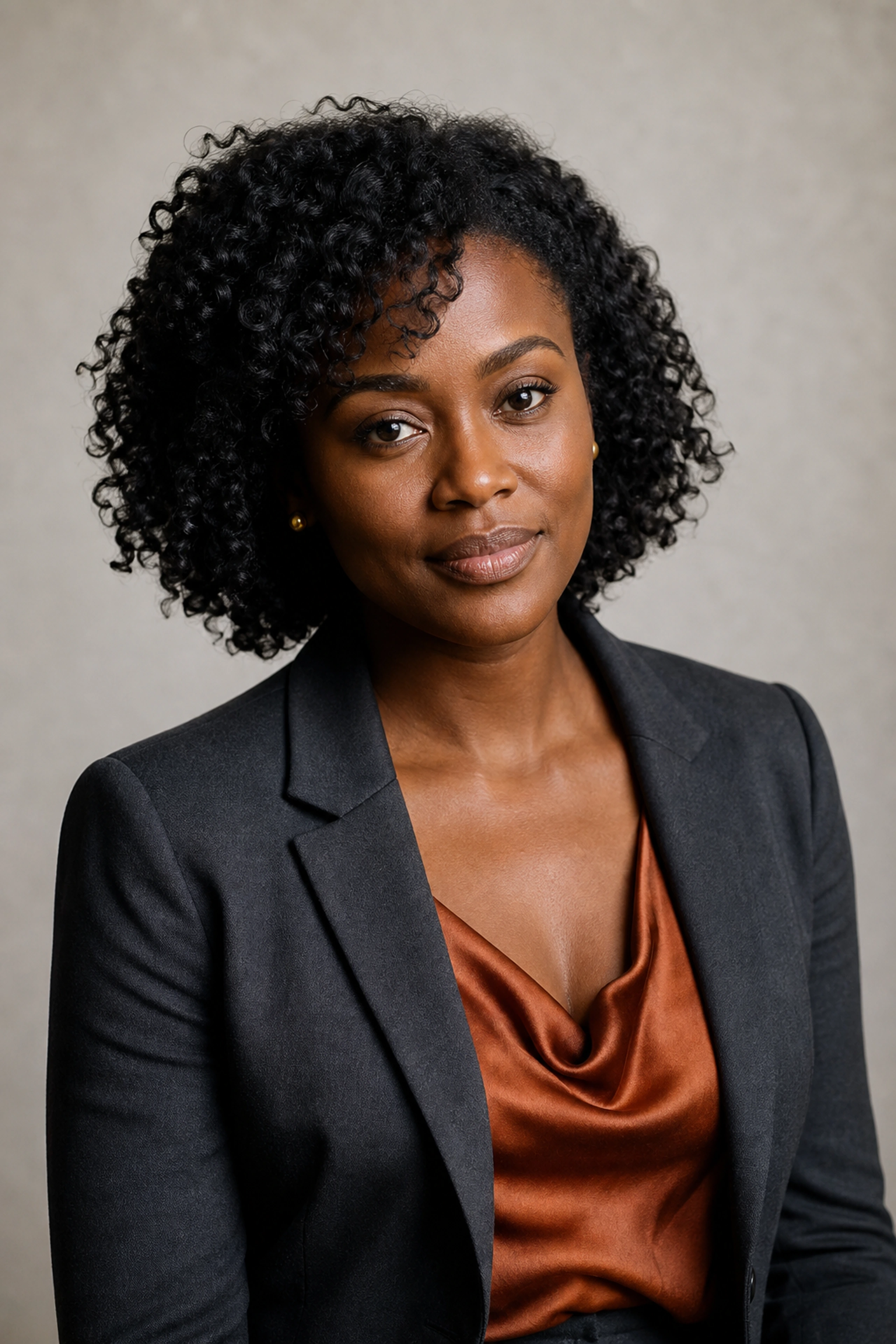
Cast references guide the look; generated details can vary between shots.
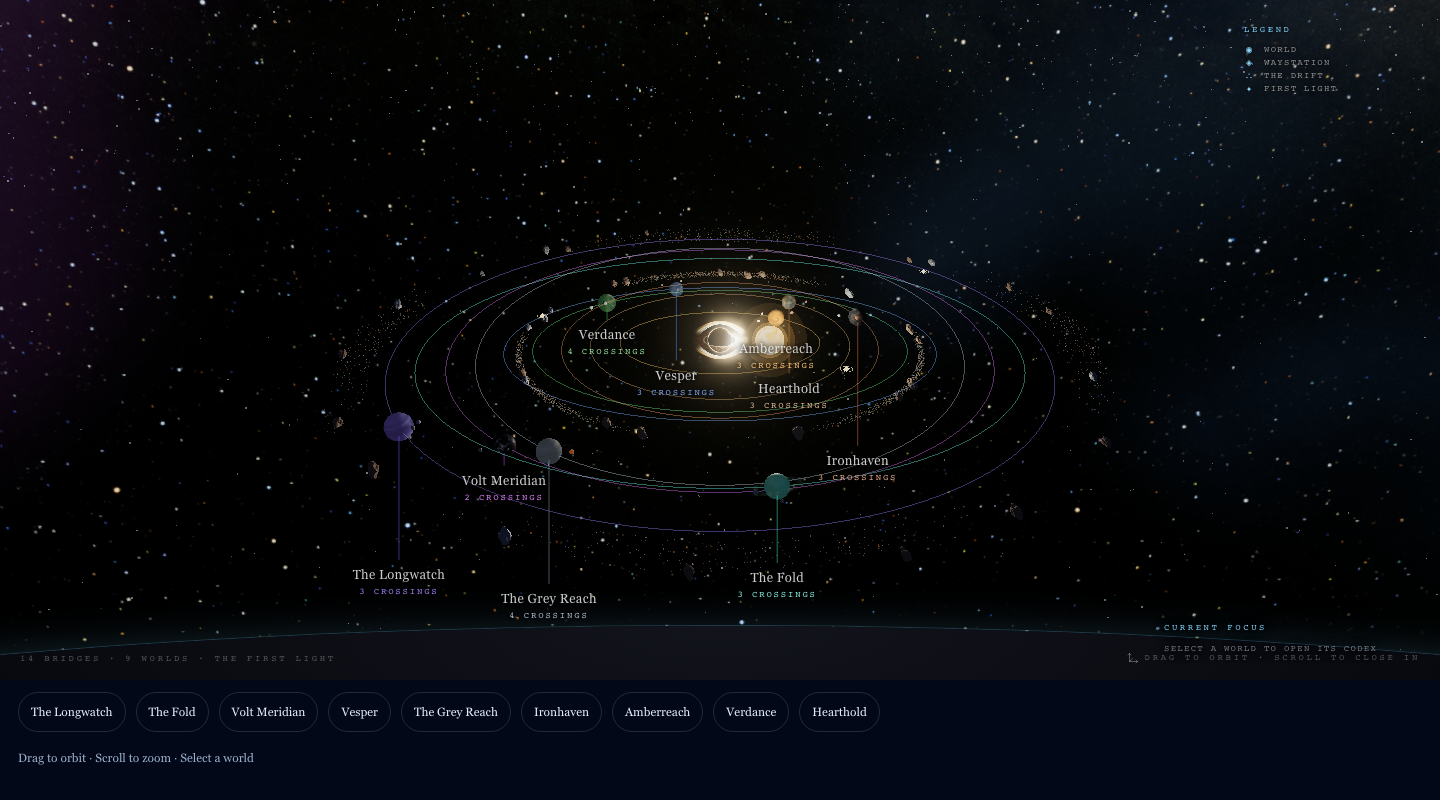
Explore cast and direction ↗The Bridgeway · Nine living worlds
Explore the actual studio atlas. Find the atmosphere your story belongs in.
Small Bridges Duet · Early accessSmall Bridges Duet · Early access
Pick a part, rehearse the score and make room for a partner. Try the rhythm of a shared session below.
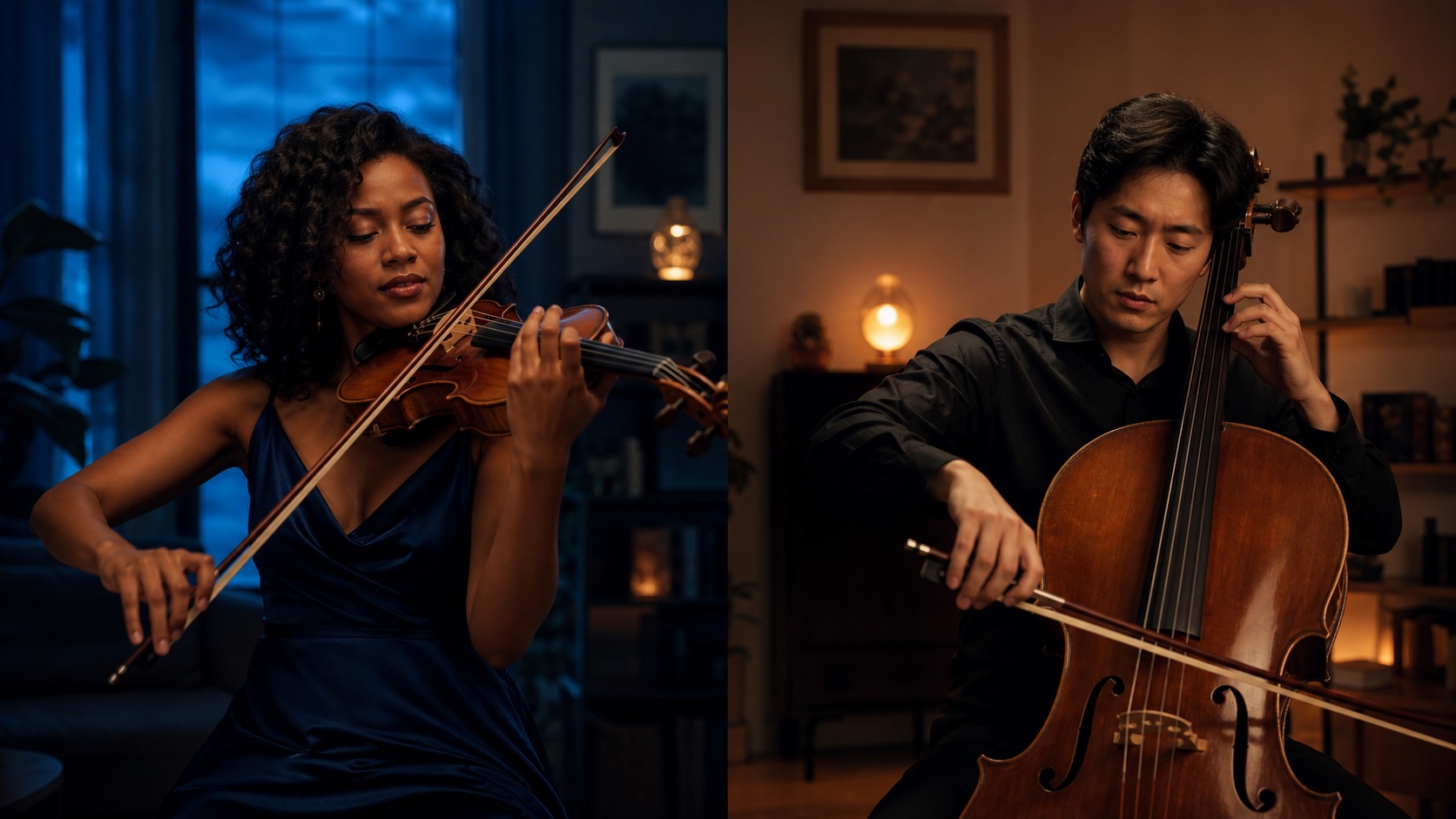
Simulated session with AI-animated performers and a flowing score. Hear warm violin and close, textured solo cello with a little room reverb. The performance is illustrative; no live camera, microphone or partner is connected.
Practise solo or open a room with a shareable score. Imported MusicXML stays on your device.
Discover Duet ↗The edit suiteThe edit suite
Give your generated shots, uploaded footage, music and voice a home on the timeline. Keep shaping the film until it feels like yours.
Current UI · Example workspace
Develop the screenplay, shot list, cast references and art direction with Bridges Agent and the specialist crew.
Meet your Agent ↗Arrange clips, edit text, build transitions and work with audio. Choose supported effects and refine the final cut.
Explore effects ↗Keep brand direction, projects, team roles, approvals and shared production credits together in a business workspace.
Explore Business ↗One last thingOne last thing
Give Hoppy the stage. Watch the crack become a tear—and the film take over your screen.
An existing Hoppy effect test. Opens across this browser viewport after the first crack. Sound stays off; Escape returns you here.
A choice of creative tools
Review supported inputs, availability and the exact quote with your Director.
A configured option for text- or image-led shots.
Text → Video · Image → Video
5–10s per supported shot · availability variesA configured option for text, image, audio, and lip-sync workflows.
Lip-sync · Native audio · T→V · I→V
5–10s per supported shot · availability variesA configured option with audio and multimodal reference inputs.
Native audio · Reference inputs · T→V · I→V · R→V
4–30s per supported shot · availability variesA configured option for short shots with generated audio.
Native audio · Text → Video · Image → Video
4–8s per supported shot · availability variesA configured five-second option for text- or image-led shots.
Native audio · Text → Video · Image → Video
5s per supported shot · availability variesDescribe a scene — the studio opens with it ready to cast, shoot and score.